


By using our website, you agree to the use of cookies as described in our Cookie Policy
Can a POS System Make Inventory Easier to Manage?
Most retailers think inventory is just about counting what's on the shelf. Stock in, stock out. But your bottom line sees more than that — and if you don't, you're leaving money on the table. Inventory might not disappear overnight, but it does leave a mark on your margins. Especially if you're guessing at reorders or running blind on what actually moves.
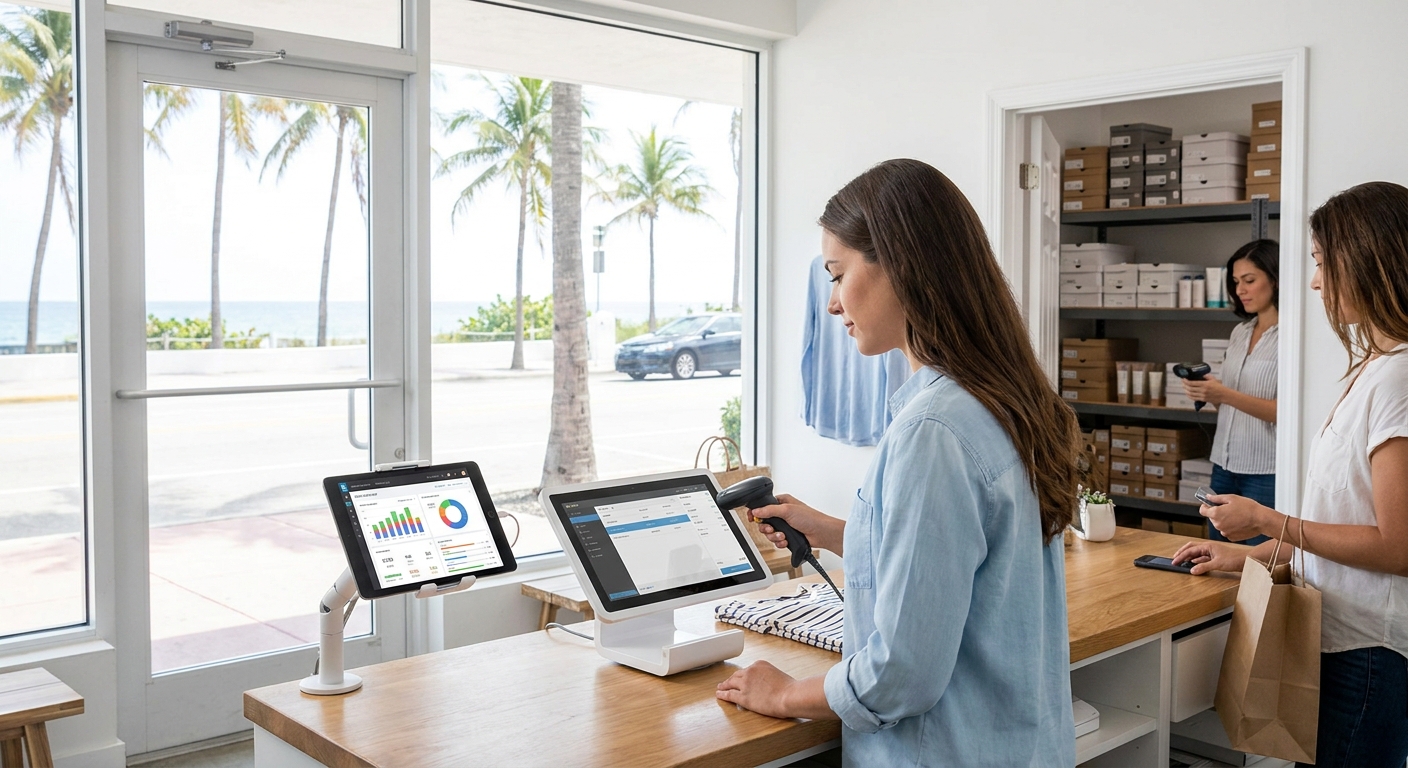
So here's the reality. If you're running a business that depends on product flow, that's fine. Just don't treat stock like it manages itself. Every item should have a digital trail. Every decision needs data. And every operational move should be grounded in what sold — not just what you think will sell.
When Manual Tracking Falls Apart
Nine times out of ten, spreadsheets don't cut it. You count inventory, you update cells — that's effort, not efficiency. The system doesn't care how many hours you spent tallying boxes, only whether your numbers match reality and whether you're still in stock when customers show up.
But when those counts go sideways? Different ballgame. Discrepancies turn into lost sales, especially if the mismatch didn't surface until checkout. We've watched this play out across retail credit card processing floors. Plenty of owners thought their gut was enough — it wasn't. And when stockouts get flagged by frustrated customers, you're scrambling to explain why the shelf's empty and the website says otherwise.
What a POS Actually Tracks
You can't automate the hustle of running your store — that's still on you. But the grunt work of knowing what moved today? That's where technology steps in. A solid point of sale system generally logs every transaction and updates stock counts in real time.
Here's where that changes the game:
- Sales transactions update inventory instantly, so you're never working off yesterday's numbers
- Returns get logged and items flow back into available stock without manual entry
- Product variants like size and color stay separated, so you know exactly which SKU is running low
- Multi-location setups sync across stores, giving you visibility into every shelf from one dashboard
- Barcode scanning eliminates keying errors and speeds up both checkout and receiving
Reorder Points Stop the Scramble
Want to avoid panic ordering? Set thresholds. A decent POS lets you define minimum levels for each product — and when stock dips below that line, the system flags it.
The best setups go further and generate purchase orders automatically or ping your supplier directly. You're not babysitting inventory levels around the clock. You're building guardrails so the system warns you before you hit empty.
Reports That Actually Matter
Forget vanity metrics. A POS worth its salt shows you which products are earning their shelf space and which are just gathering dust.
You'll want to watch for:
- Turnover rates that reveal how fast inventory converts to cash
- Sales velocity by SKU, so you double down on winners and cut losers
- Seasonal trends that help you stock smarter heading into peak months
- Margin analysis showing which items actually drive profit, not just volume
- Dead stock alerts highlighting products that haven't moved in 90 days or more
Multiple Locations Without the Chaos
Running two stores feels like running two businesses — unless your POS ties them together. Centralized inventory control means you see every location's stock from one screen. Transfer products between shops when one's overstocked and another's running thin. Compare performance across sites and adjust purchasing by location instead of guessing.
This isn't theoretical. It's the difference between losing a sale because Store A is out while Store B has six units sitting idle — or moving that stock in time to close the deal.
Shrinkage Shows Up in the Data
Theft, damage, and sloppy record-keeping all chip away at profit. A POS doesn't prevent shrinkage, but it exposes it faster. When your system says you should have 50 units and a physical count shows 42, you know something's off. Catch it early, and you can tighten procedures or investigate before the losses pile up.
The longer discrepancies hide, the harder they are to trace. Real-time tracking shrinks that window and keeps your counts honest.
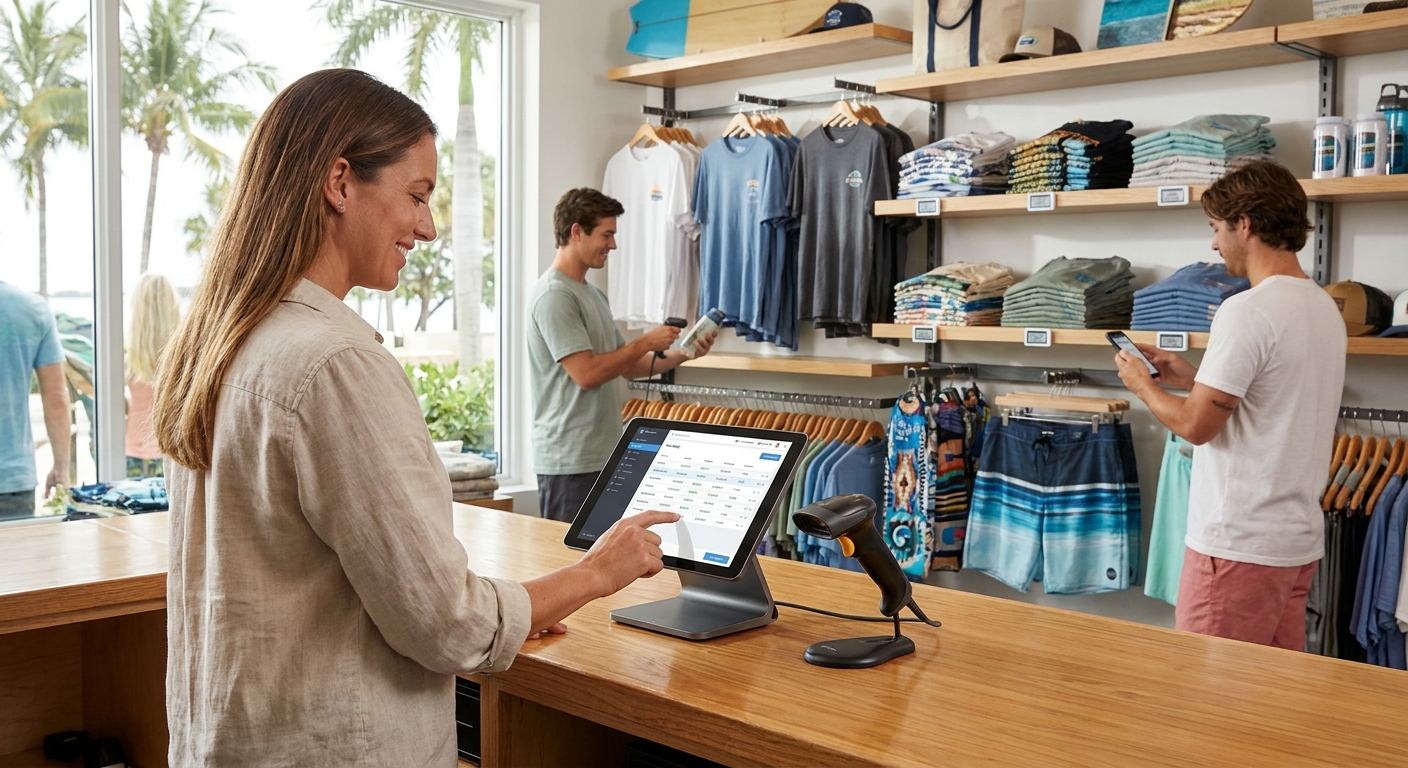
Integration Keeps Everything Synced
Your POS shouldn't live in a silo. The good ones connect with accounting platforms, e-commerce systems, and supplier portals. Sell something online, and your in-store inventory adjusts automatically. Close out the day, and sales data flows into your bookkeeping software without re-entry.
This matters because:
- You avoid overselling products you don't have in stock
- Financial records stay accurate without double data entry
- Supplier integrations let you push orders directly instead of emailing spreadsheets
- Customer data syncs across channels, so loyalty programs and purchase history follow them everywhere
Common Pitfalls We See
Retailers stumble in predictable ways. First, they treat the POS like a glorified cash register and ignore the inventory features. You paid for the tools — use them. Second, they skip the setup work. If you don't configure reorder points, variants, and supplier links upfront, you're just digitizing the same mess you had on paper.
Third, they forget to train staff. A system is only as strong as the people running it. If your team doesn't scan returns properly or bypasses the POS for manual adjustments, your data goes sideways fast.
When to Bring In Help
If your inventory spans multiple locations, hundreds of SKUs, or integrates with online sales and e-commerce, DIY setup gets risky. A POS consultant or implementation specialist helps you configure workflows that match your reality — not some out-of-the-box template.
They'll also:
- Map your current process and identify automation opportunities
- Set up integrations with your existing tools so nothing breaks
- Train your team on best practices that keep data clean
- Troubleshoot edge cases like consignment, bundles, or custom orders
- Build reporting dashboards that surface the metrics you actually need
Smart Systems Drive Smarter Decisions
Inventory doesn't manage itself, but it doesn't have to drain your time either. The right payment solutions turn guesswork into data, chaos into clarity, and reactive scrambling into proactive planning. There's no excuse for flying blind when the tools exist to see everything in real time. But there's also no shortcut if you ignore setup, training, and consistent use.
At the end of the day, managing inventory well isn't about the system — it's about how you use it. A POS gives you the foundation. What you build on top of that is up to you.
Let's Simplify Inventory Together
Managing inventory doesn't have to be a guessing game. With the right POS system and a team that understands your business, we can help you turn inventory headaches into streamlined operations and better profits. If you're ready to take control and want expert guidance every step of the way, give us a call at 866-944-3244 or contact us today to get started.
‹ Back